
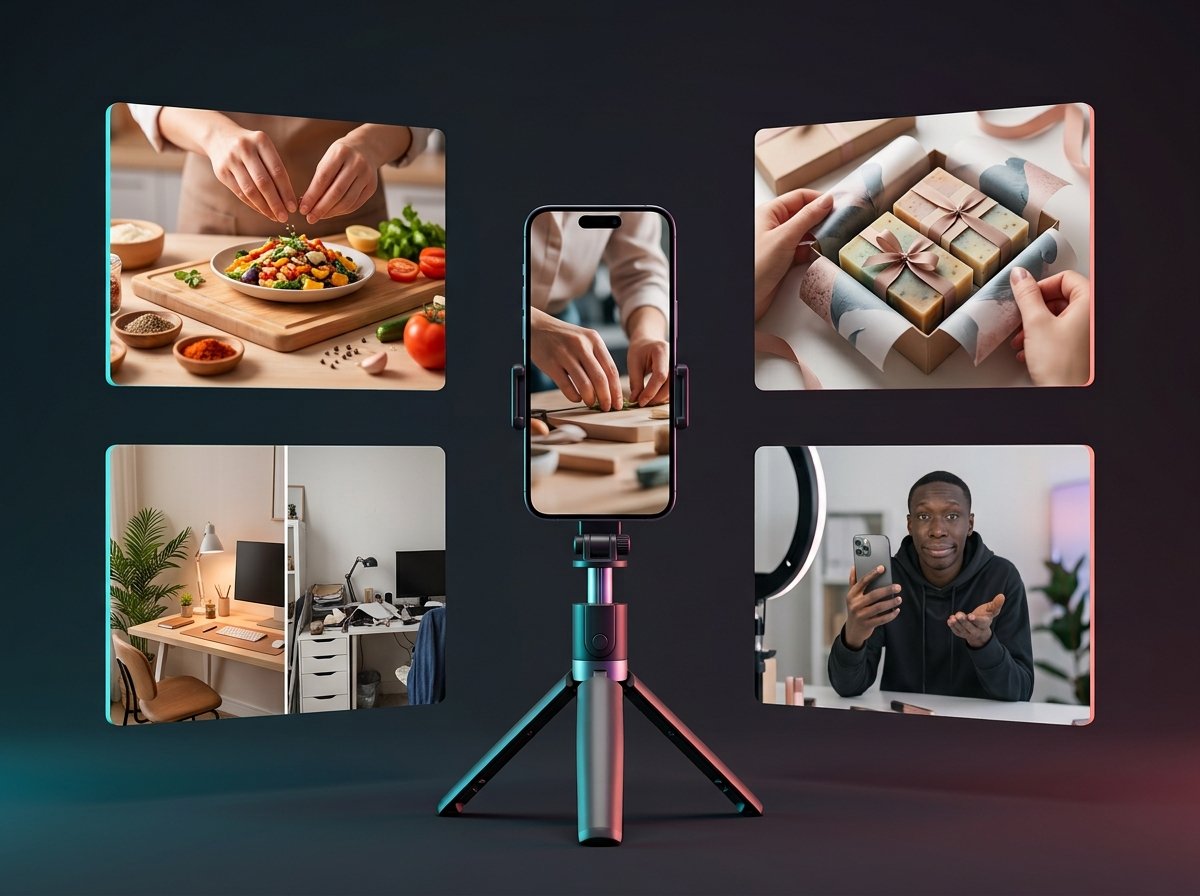
Coming up with TikTok content ideas is easier when you have a few reliable starting points. A question from a customer, a mistake you fixed, or something you do every day can become a useful video. The challenge is choosing an angle that gives someone a reason to watch.
This guide covers 10 ideas for creators and small businesses, with an example and opening hook for each. You’ll also find a research routine for keeping your content relevant in 2026, without having to chase every trend or turn every post into an ad.
Why TikTok Content Ideas Matter
A clear idea gives your video a purpose before you start recording. Are you answering a question, showing a result, or telling a story? Knowing that helps you decide what to film and what to leave out.
You don’t need a completely original topic every time. Your process, opinion, or explanation can make a familiar subject worth watching. Two bakers might both show how they decorate a cake, but their techniques and personalities will make the videos different.
1. Share Quick Tips and Mini Tutorials
Teach one thing your viewer can put into practice. That might be a spreadsheet shortcut, a simple photo-editing technique, or a better way to write a product description.
Start with the problem or finished result, then show the steps. Leave out anything that doesn’t help someone follow along. If a step needs more explanation, give it enough time rather than rushing to make the video shorter.
Example: A business owner rewrites a vague product description, replacing “high-quality travel bag” with specific details about its compartments, dimensions, and materials.
Opening hook: “This product description tells you almost nothing. Here’s how I’d fix it.”
2. Turn FAQs Into Videos
Look beyond TikTok for questions people already ask you. Customer emails, website inquiries, sales calls, and Instagram messages can all provide ideas.
Choose questions that come up repeatedly. These reveal where people need more information before buying something or trying a new process. Answer each question in a separate video so viewers can find the explanation they need.
Example: A print shop explains which file formats customers should send and shows why a blurry screenshot may produce a poor print.
Opening hook: “Sending your logo to a printer? Check this before you upload the file.”
You could group these videos into a “Before You Order” series. Each installment should answer a complete question.
3. Use Behind-the-Scenes Content
Something that feels routine to you may be unfamiliar to your audience. Show how you prepare an order, set up a shoot, check a finished product, or fix a problem at work.
Pick a detail worth explaining instead of recording your entire day. A close-up of a packaging technique can tell viewers more about your care and experience than a general tour of your workspace.
Example: A ceramics seller films how they cushion a mug, protect the handle, and check for movement inside the box.
Opening hook: “The handle is the part I worry about most. Here’s how I pack around it.”
Use your own process as the focus. You don’t need to tidy every corner or stage a busy studio to make the video interesting.
4. Try Before-and-After Videos
Before-and-after videos give viewers a clear change to follow. They work for room makeovers, design projects, clothing alterations, photo edits, and plenty of everyday tasks.
Make the comparison fair. Where possible, use the same angle and lighting for both shots. Include a little of the process so the audience can understand what changed.
Example: A home-office creator reorganizes a crowded desk using items they already own, then shows where everything went.
Opening hook: “I wanted more desk space without buying a bigger desk.”
Finish with a useful detail, such as the change that made the biggest difference or something you would do differently next time.
5. Create “3 Things You Should Know” Videos
A short list gives your video a natural structure. Choose three points that belong together and explain them with enough detail to be useful.
- Three mistakes beginners can avoid
- Three tools you use every week
- Three things to check before buying
- Three affordable alternatives you have used
- Three misconceptions about your work
Example: A photographer demonstrates three checks before taking product photos: clean the lens, simplify the background, and look for distracting reflections.
Opening hook: “Before you replace your camera, check these three things in your product photos.”
Show each point when possible. A viewer can understand an unwanted reflection more easily when they see you remove it.
6. Respond to Comments With Videos
This idea starts with a specific comment on one of your TikTok posts. It gives you a chance to continue a conversation, clarify a confusing step, or demonstrate something a viewer asked to see.
Unlike the broader FAQs gathered across your business, these replies should connect directly to the original video. Give enough context for someone who hasn’t seen it, then get to the answer.
Example: After you share a room makeover, a viewer asks whether the desk will fit in a smaller bedroom. Film a follow-up showing its measurements and the space needed to pull out the chair.
Opening hook: “Someone asked how much room this desk really needs. Let’s measure it.”
Keep a list of comments that deserve more than a quick written reply. They can help you plan useful follow-ups.
7. Use Trends Without Losing Your Identity
A trend is a starting point. Before using a sound, joke, or video format, ask whether it fits something your audience cares about.
If you have to force a connection, move on. A relevant idea you can explain clearly is a better use of your time than a trend you don’t understand.
Example: A freelance designer uses an expectation-versus-reality format to show a tidy finished logo alongside the many rough sketches that came before it.
Opening hook: “The finished logo looks simple. Here’s the sketchbook behind it.”
The example can stand on its own, too. A sound or editing style should support the idea rather than carry the whole video.
8. Tell a Relatable Story or Film a POV Scenario
Choose a small situation your audience might recognize: misunderstanding a brief, preparing for your first order, or realizing you forgot to press record.
A story needs something to happen. Explain the situation, show what went wrong or changed, and finish with the outcome. For a point-of-view, or POV, video, you can act out the moment instead of describing it.
Example: A freelance designer stages a short conversation about a “quick change” that turns into a much larger project.
Opening hook: “POV: The ‘tiny change’ needs three new layouts.”
Keep customer details private and make it clear when a scene is fictional. If you’re telling a personal story, use an experience you actually had.
9. Create Faceless Screen-Recording or Hands-Only Videos
You can make useful videos without appearing on camera. Screen recordings suit software walkthroughs and design lessons. Hands-only footage works for cooking, repairs, crafts, packaging, and product demonstrations.
Frame the action closely enough to follow. On a screen recording, enlarge the relevant area and move your cursor deliberately. Add a voiceover or captions when the visuals need an explanation.
Example: A small-business creator records how they build a simple stock tracker in a spreadsheet, using sample products and quantities.
Opening hook: “Here’s a simple way to see which products need restocking.”
Close unrelated tabs and hide private information before recording. A clean view also makes the lesson easier to understand.
10. Test a Product or Popular Hack and Show the Results
A useful test starts with a specific question. Does a budget microphone sound better than your phone? Does a folding technique actually save drawer space?
Explain what you’re comparing and keep the conditions similar. Show the outcome, including any disappointing parts, so viewers can judge the result for themselves.
Example: A creator records the same sentence with a phone microphone and a budget clip-on microphone, keeping their position and room unchanged.
Opening hook: “Same room, same sentence, two microphones. Can you hear a difference?”
Base your conclusion on what the test shows. One good result doesn’t mean a product will work equally well for everyone.
How to Find Relevant TikTok Content Ideas in 2026
A saved list is useful, but your audience’s questions will change. Use this weekly research routine to keep finding topics that fit what people are discussing now.
- Choose a specific topic. Start with something your audience wants to do, such as photograph handmade products or organize a small workspace.
- Search it on TikTok. Review several relevant videos and check their publication dates. Don’t assume a video is recent just because it appeared in your feed today.
- Read the questions. Look for requests for clarification, missing steps, or situations the video didn’t cover.
- Check TikTok’s Creative Center. Its Trends section provides another place to explore what is attracting attention. Use it for inspiration, then decide whether an idea fits your audience.
- Record your angle and research date. Write down what you can add, such as a clearer demonstration, a smaller-budget option, or an answer for beginners.
You can explore trends through TikTok’s Creative Center. Keep your own footage and explanations at the center of the finished video.
For example, if several desk-setup videos leave viewers asking about cable storage, make a video that answers that question. Record what you found and when you checked it, so you know which ideas need another look before filming.
How to Turn Ideas Into Better Videos
Give Viewers a Reason to Watch
Start with the question, result, or situation the video is about. A long greeting can delay the part people came to see.
Your opening should match what follows. If you promise a comparison, show the comparison. If you raise a question, answer it before the video ends.
Focus on One Key Message
Decide what viewers should understand by the end. If several unrelated lessons compete for attention, save some for another post.
You don’t need to split every topic into a series, though. Keep closely connected steps together when viewers need them to complete the task.
Make the Video Easy to Follow
Prioritize readable captions, audible speech, steady framing, and enough light to see the subject. Watch the video on your phone before posting to check small details.
Remove pauses that add nothing, but leave enough time to read instructions or inspect a result. Good pacing depends on what you’re showing.
Build a Posting Routine You Can Maintain
Choose a schedule that fits the time you have. If filming several videos in one session helps, group ideas that use the same location or equipment.
Keep a simple planning sheet with the topic, opening hook, footage needed, and publication date. Leave space for timely questions rather than scheduling every idea far in advance.
After posting, review viewing behavior and the responses you receive. Saves, shares, comments, and follower growth can help you assess different goals. A tutorial that people save serves a different purpose from a product video that prompts buying questions.
Try a format more than once before deciding whether to keep it. Change one major element at a time, such as the opening or topic, so the comparison is easier to interpret.
Build a Content Mix
Give viewers different reasons to spend time with your account. You can plan around three broad purposes:
- Reach: Introduce your account through an accessible tip, relatable scene, or interesting transformation.
- Trust: Show your process, explain a decision, or share an honest lesson from your work.
- Action: Help viewers take a relevant next step, such as checking product details or visiting your profile.
These categories can overlap. A packing demonstration might introduce someone to your business while answering their concerns about delivery. Use them to spot gaps, not to force every post into a fixed formula.
Final Thoughts
Start with the TikTok content ideas you can demonstrate well. Pick three from this list, write a clear opening for each, and gather the footage you need.
As you publish, save the questions people ask and notice which subjects deserve a follow-up. Over time, those conversations can give you a practical answer to “What should I post next?”